



The main new features
Password saving
From now on, when you access Teethan data, you no longer have to enter your password. Just tick 'Rememberme' and your credentials will be saved automatically for subsequent logins.

Customer Service just a click away
If you need technical assistance while using Teethan, simply click on the appropriate icon and you will be contacted by our technicians.

Patients' list
You can now view the patient list in chronological order by surname or by database entry.

Did you know that..
Time evolution
The Time Evolution screen allows you to judge how occlusal parameters have changed during treatment, through a new graphic display and a measure of percentage increase (or decrease). This new report is available for both occlusal and chewing tests

Import/export
In the Settings menu, you have the option of importing or exporting the examinations performed or the entire patient file. You will be able to share your patient data with your colleagues, who collaborate with your practice, always in compliance with current privacy regulations

The updating procedure
1 - Automatic update on first start-up after the release
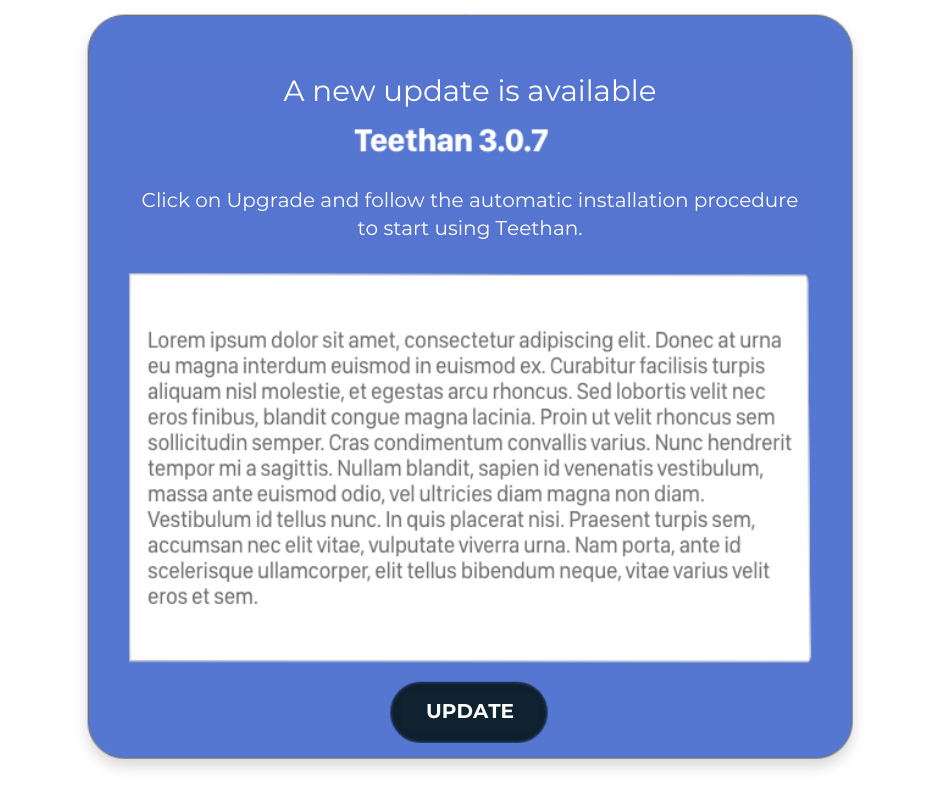
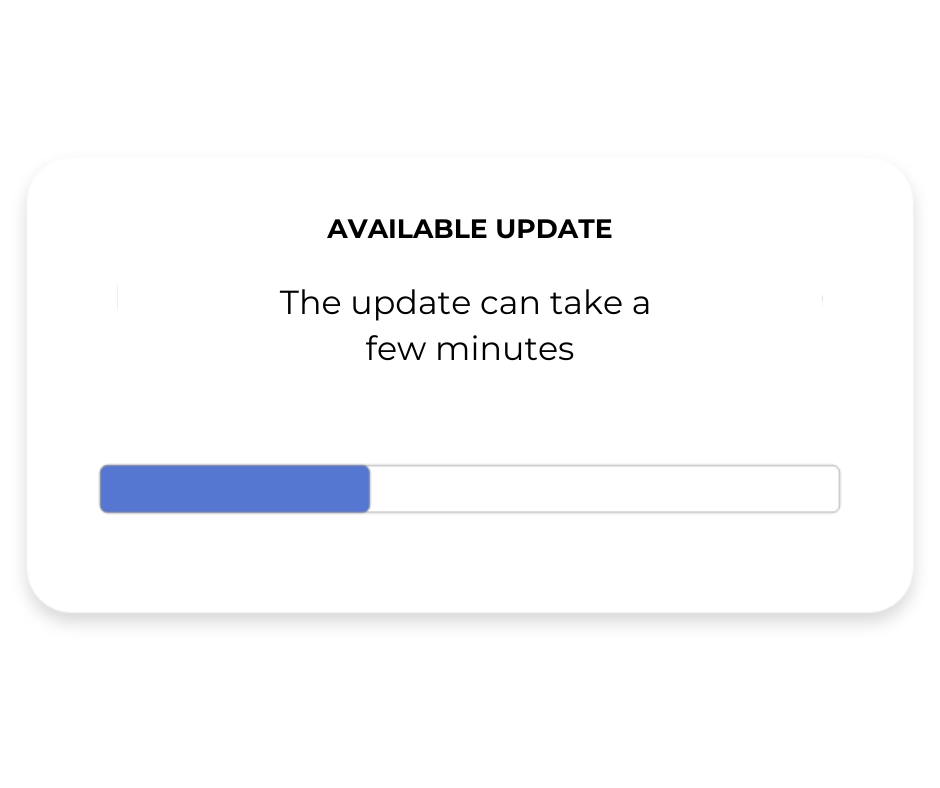
2 - Wait for the updating process to take place
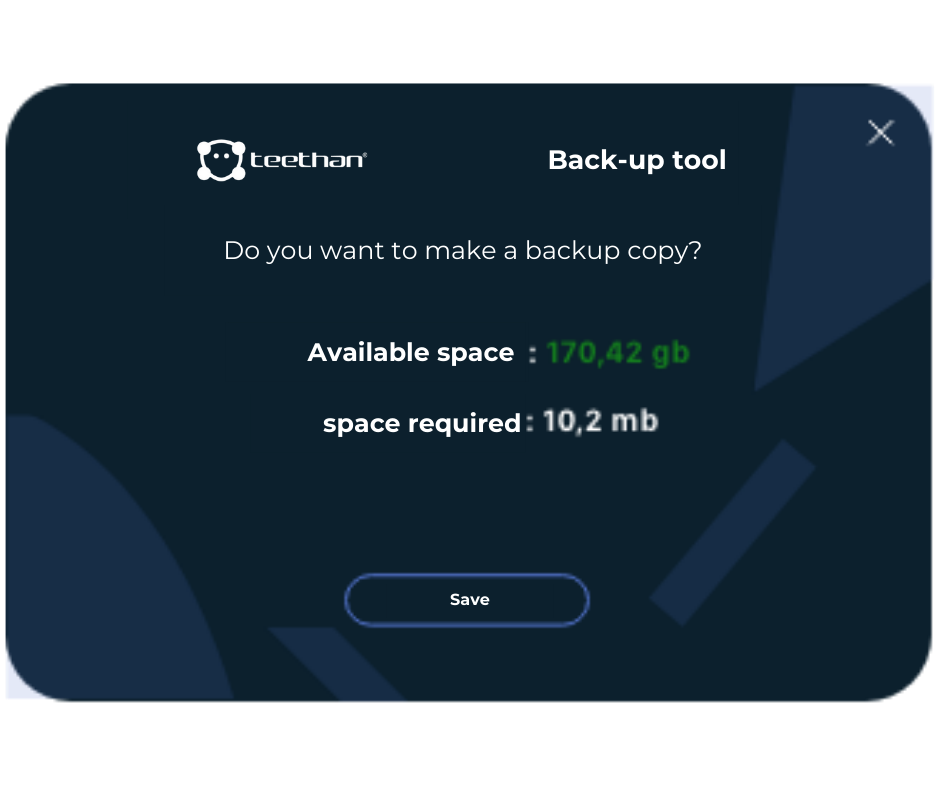
3 - Data back-up (optional) after completion of the update
4 - When the update is complete, wait for the software to restart automatically
